The Power of Partnership.
A Partner Driven Company
Legacy Risk Solutions is a united network of independent, community-based insurance agencies that preserves each agency's local identity while providing expanded resources, greater market access, and collective strength. Rooted in longstanding community relationships and diverse agency cultures, Legacy focuses on service, sustainability, and long-term perpetuation. By supporting its partners like a family, equipping them with advanced tools and broader capabilities, and fostering a shared mission of caring for clients and staff, Legacy blends the power of a large organization with the personal touch of local agencies—big enough to help, small enough to care.
Premium
Serviced
A Top 25
Independent Agency.
With 50+ different offices across the Southeast, we are proud to be the backbone and provide awesome services to the communities we love most.
The Legacy Difference
Community Agencies
Our community agencies are uniquely positioned to serve the people and businesses around them through deep local knowledge, strong relationships, and a commitment to personalized service. By being actively involved in their markets, they are able to understand evolving needs and respond with tailored solutions that truly make an impact. Supported by the resources of our broader organization, our agencies can deliver high-touch service while strengthening and giving back to the communities they call home.
Carrier Partners
Our carrier partners are a critical part of our ability to deliver best-in-class solutions to our clients. We build strong, trusted relationships with a broad network of carriers, allowing us to offer competitive options, specialized expertise, and tailored coverage strategies. By combining these partnerships with our local knowledge and internal resources, we are able to advocate effectively for our clients and provide flexible, high-quality solutions that meet their evolving needs.
Client Solutions
Our client solutions are built to deliver tailored, forward-thinking strategies that align with each client’s unique goals and risk profile. By combining deep industry expertise, strong carrier partnerships, and robust internal resources, we provide comprehensive, customized solutions that evolve as our clients’ needs change. This client-first approach ensures we are not only meeting today’s challenges, but proactively positioning our clients for long-term success.
Leadership
Legacy Risk Solutions is a united network of independent, community-based insurance agencies that preserves each agency's local identity while providing expanded resources, greater market access, and collective strength.
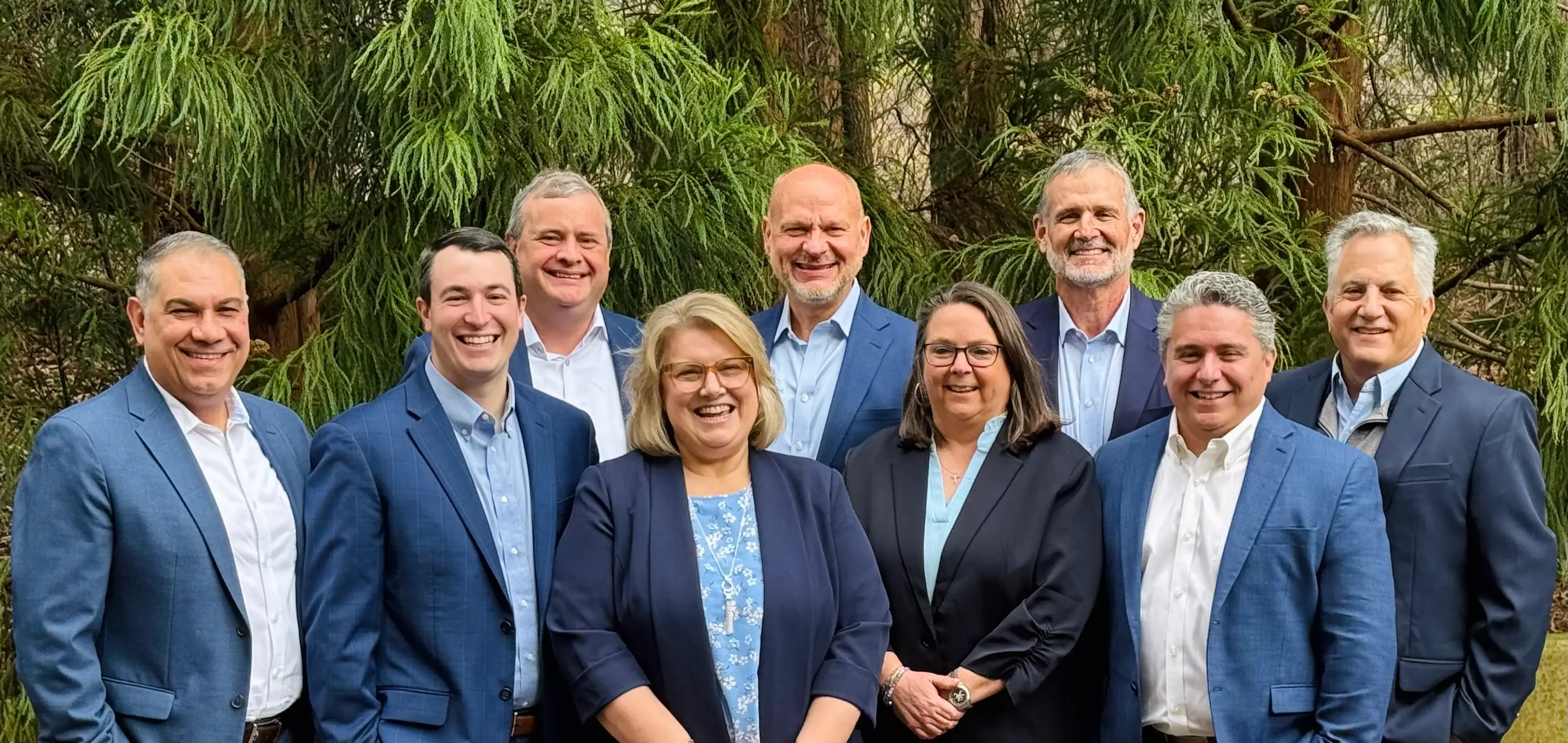
“Legacy Risk Solutions is a network of independent agents who together can provide greater options and market clout to their clients. It allows these agencies to continue their local delivery of services without sacrificing their long-standing history while gaining access to more insurance companies and services than they had individually.”
Partner Agencies
Legacy Risk Solutions is a united network of independent, community-based insurance agencies that preserves each agency's local identity while providing expanded resources, greater market access, and collective strength.


.png)


.png)

Partner With Us.
In an ever-changing insurance market, collective strength matters. It affords independent agencies an opportunity to maintain their identity while still growing their talent, expanding their operations support and strengthening their offerings so they may compete with national level entities.